

AI Planning
Idea Interview
Answer the questions and AI draws the first page of your screen map. Looking at the examples first is fine too.
쇼핑 경유 적립 앱
늘 사던 쇼핑몰, 앱을 거쳐 사면 결제액 일부가 포인트로 쌓인다.
View
반려견 유치원·호텔 운영 사이트
You can open an Idea Interview for this kind of service.
View
공유숙박 호스트 운영 자동화 SaaS
You can open an Idea Interview for this kind of service.
View
온라인 강의 플랫폼
You can open an Idea Interview for this kind of service.
View
정기구독 쇼핑몰
You can open an Idea Interview for this kind of service.
View
출장 청소·이사 예약 서비스
You can open an Idea Interview for this kind of service.
View
프랜차이즈 가맹 모집 랜딩
You can open an Idea Interview for this kind of service.
View
동네 의원 홈페이지
You can open an Idea Interview for this kind of service.
View
소상공인 리뷰 답글 AI 도우미
쌓인 리뷰에 우리 가게 말투로 답글을 빠르게 단다.
View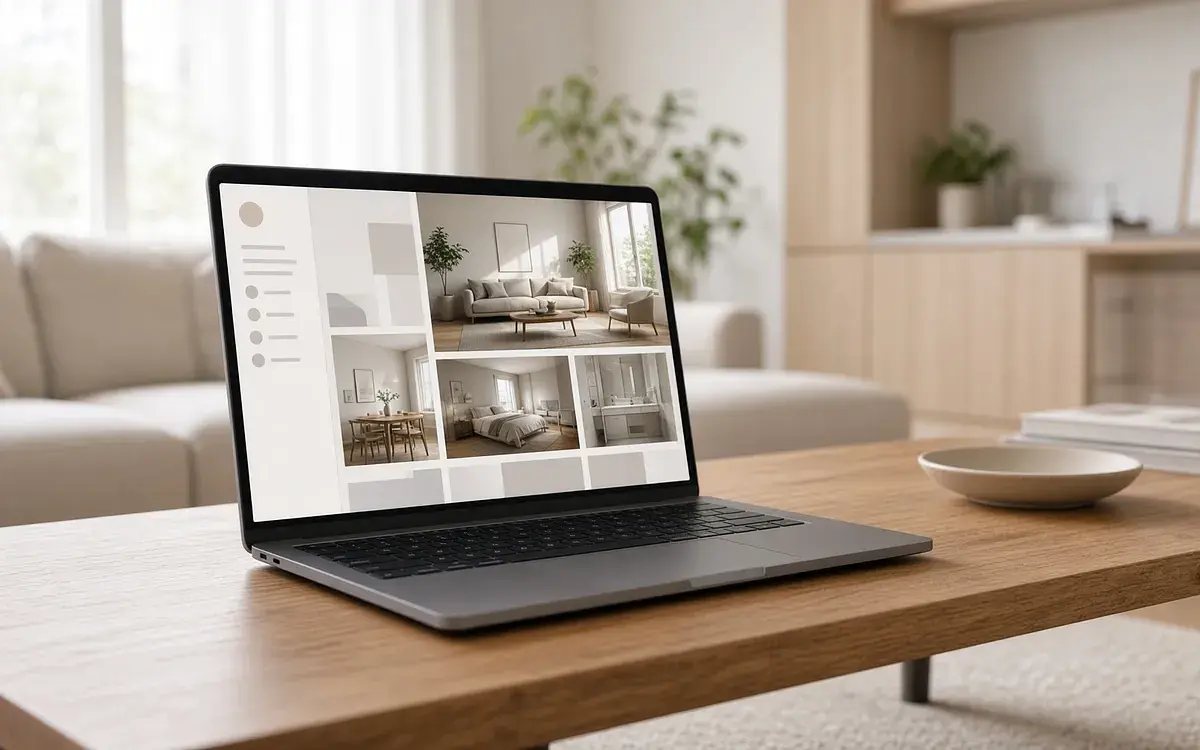
인테리어 시공 업체 홈페이지
시공 사례를 보여 주고 견적 문의를 받는다.
View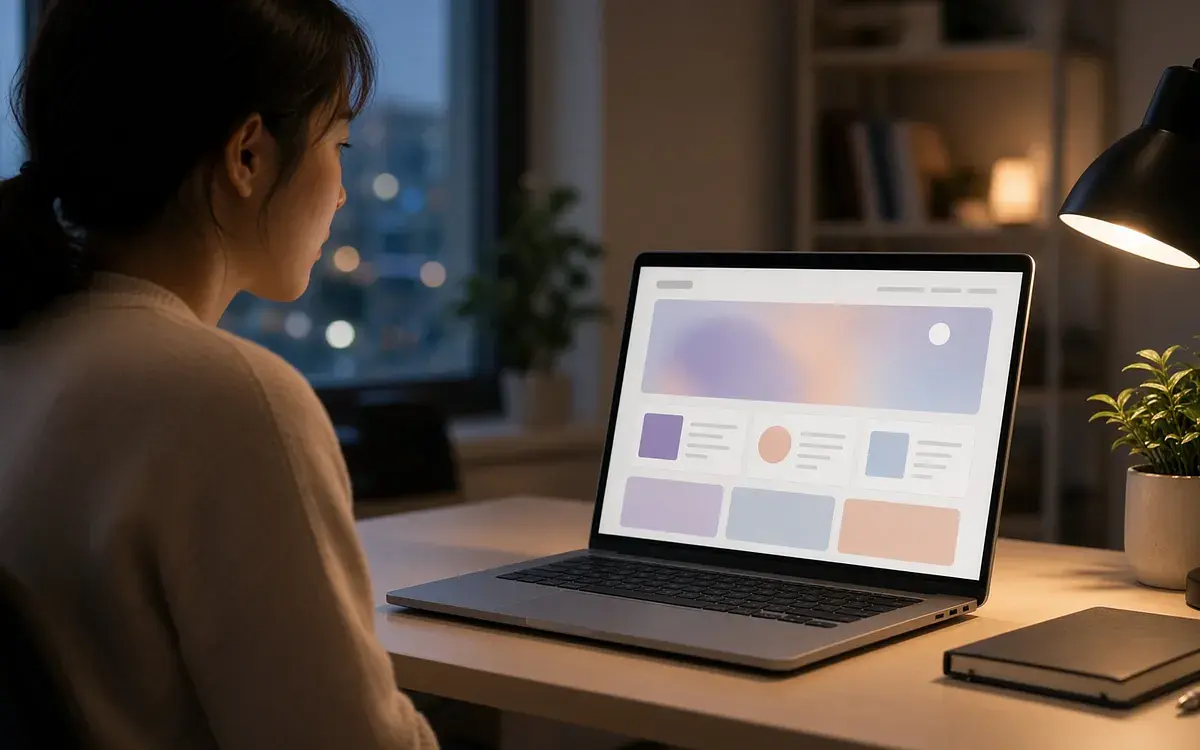
온라인 클래스 사전 신청 랜딩
클래스를 소개하고 오픈 전 사전 신청자를 모은다.
View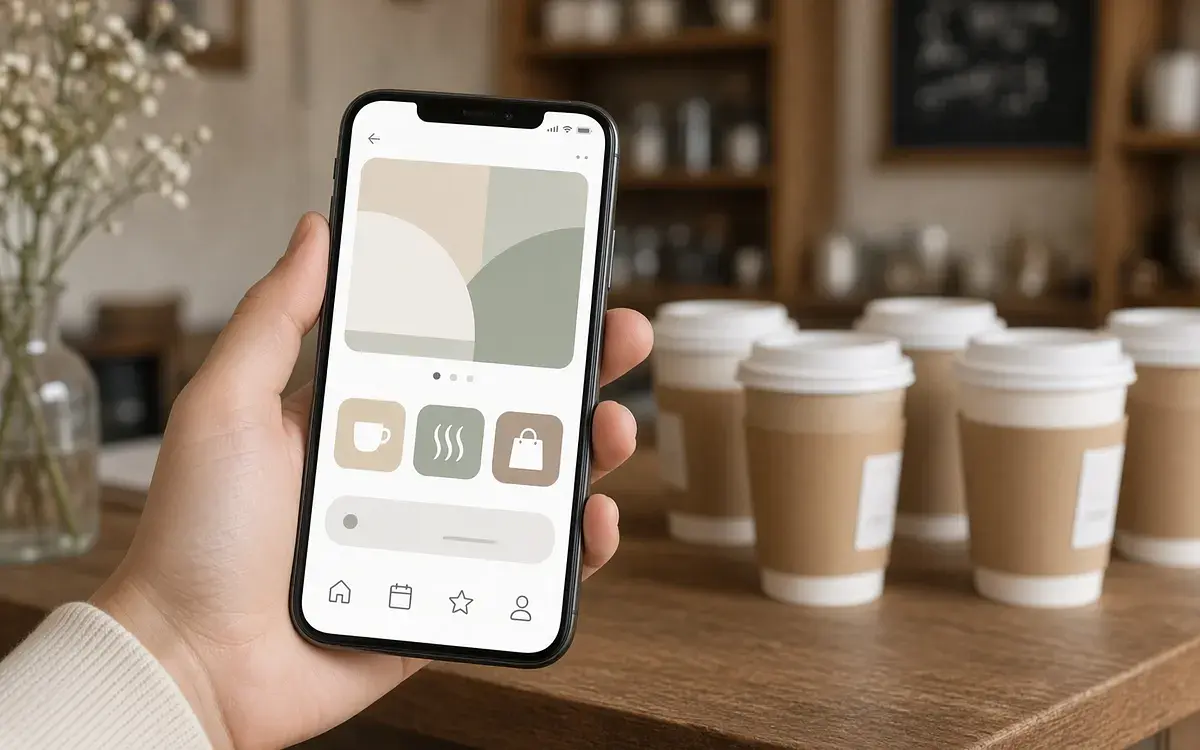
동네 카페 사전 주문·픽업 앱
줄 서지 않고 미리 주문하고, 준비되면 바로 픽업한다.
View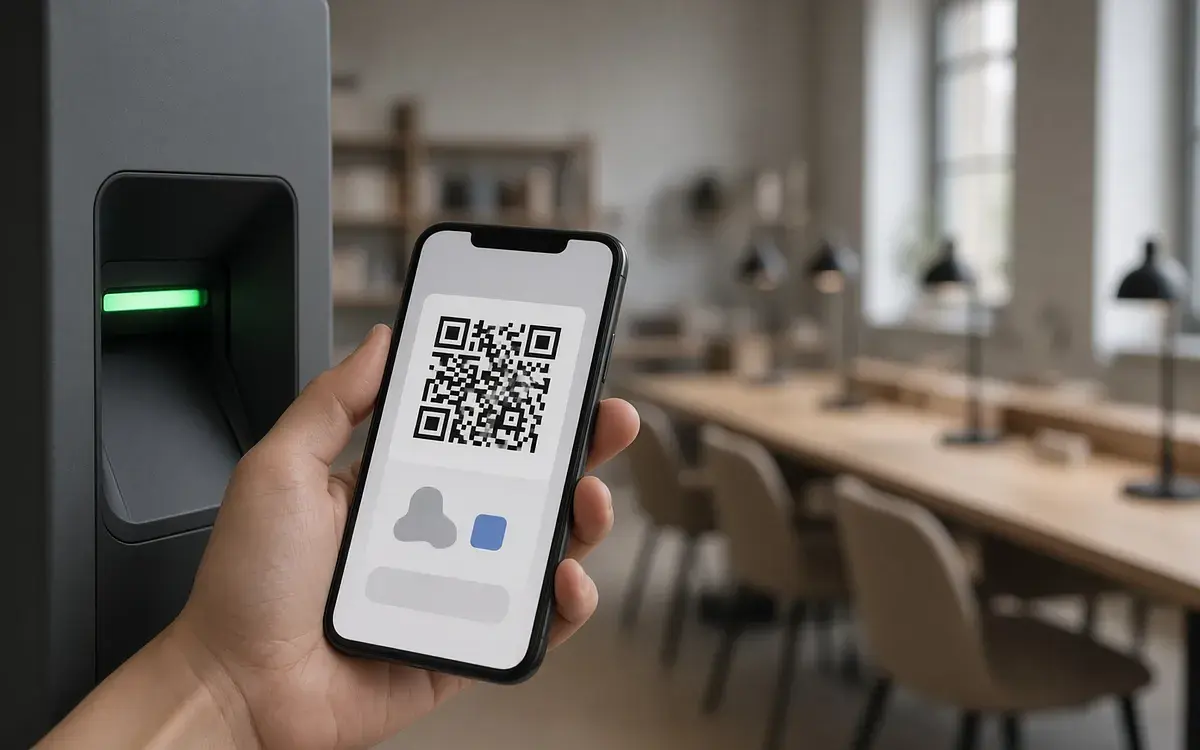
무인 스터디카페 좌석·이용권 앱
남은 좌석을 보고 이용권을 결제한 뒤 QR로 바로 입실한다.
View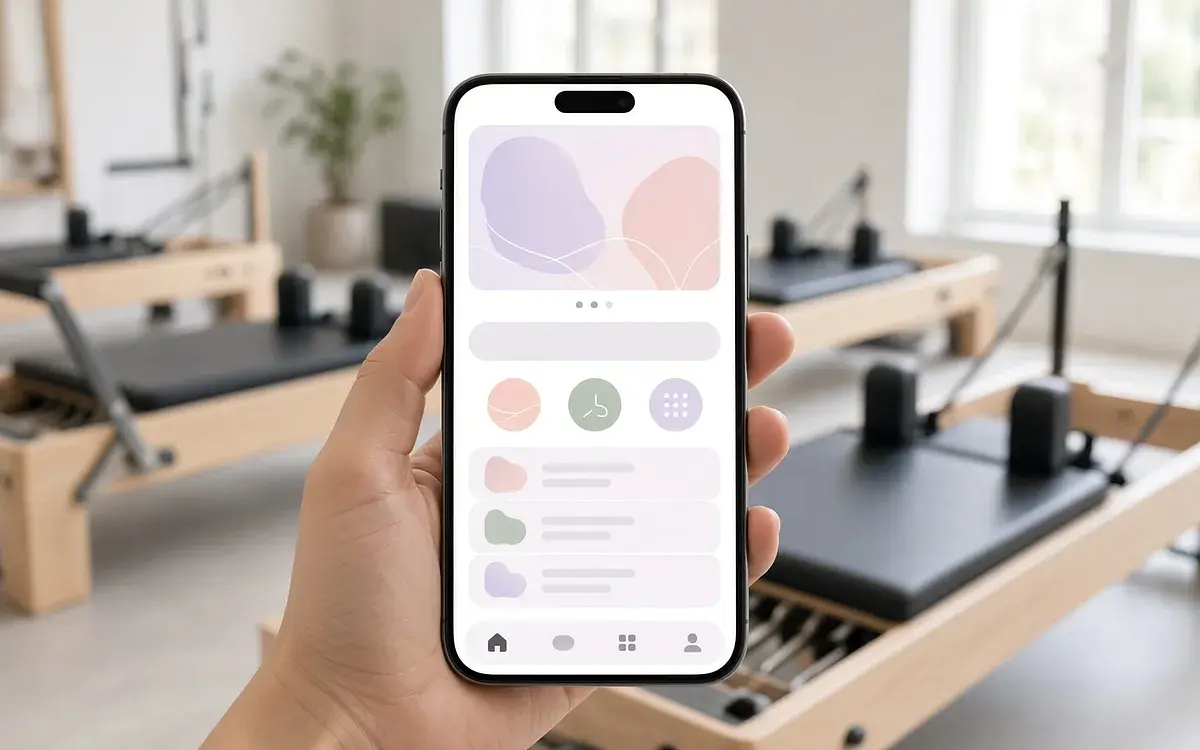
동네 필라테스 예약 앱
동네 스튜디오 수업을 고르고 잔여 횟수로 자리를 잡는다.
View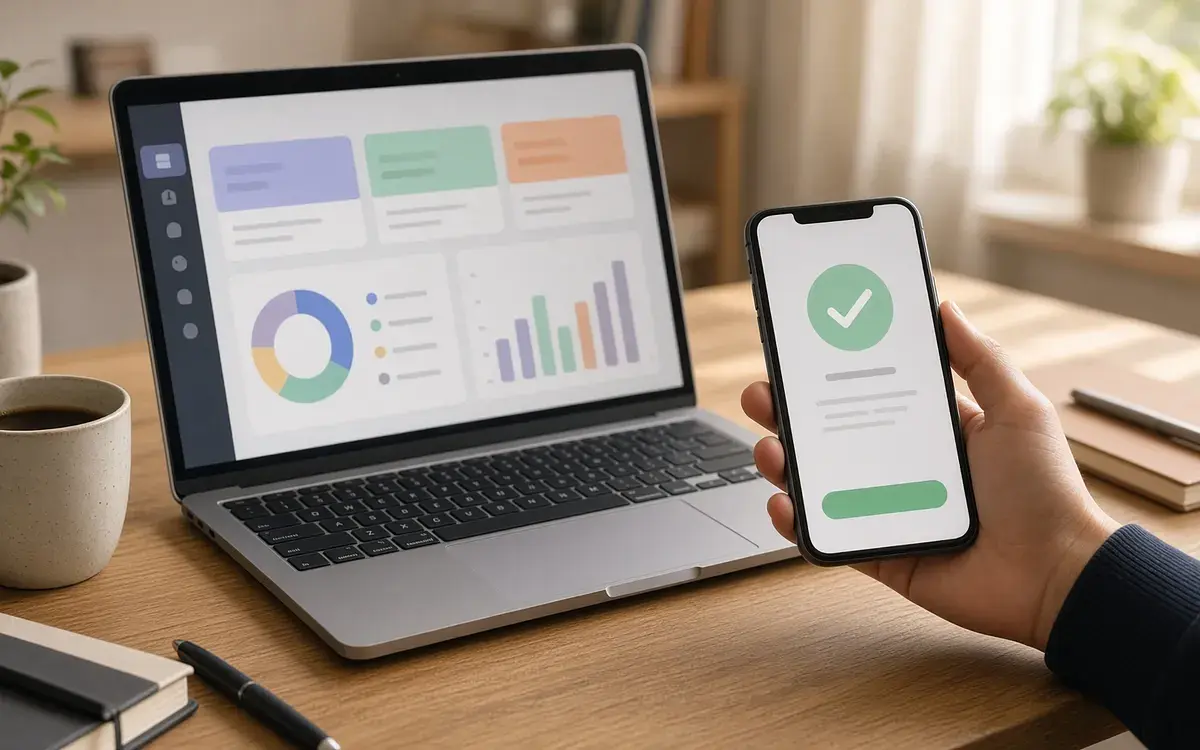
1인 프리랜서 견적·계약·입금 관리
견적서 보내고, 고객이 링크로 승인하고, 입금 확인까지 한 화면에서.
View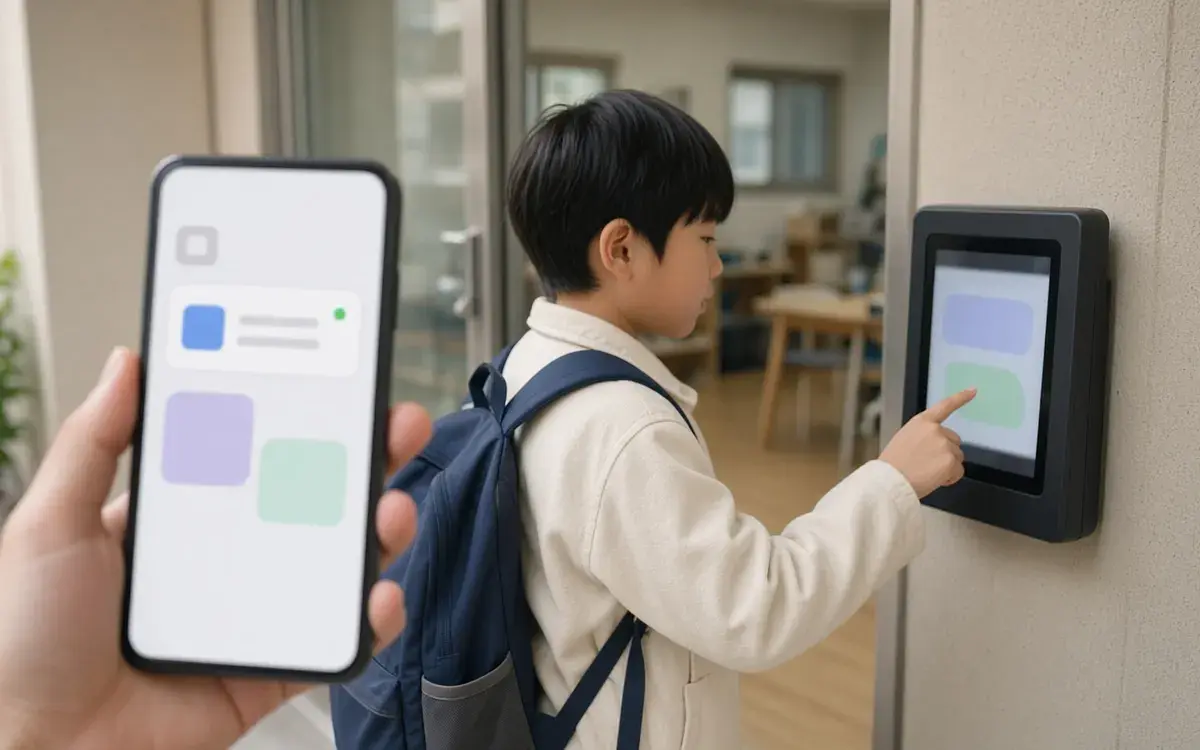
동네 학원·공부방 출결·수납 알림 앱
출석 버튼 하나로 학부모에게 등·하원 알림, 매달 수강료 청구까지 자동으로.
View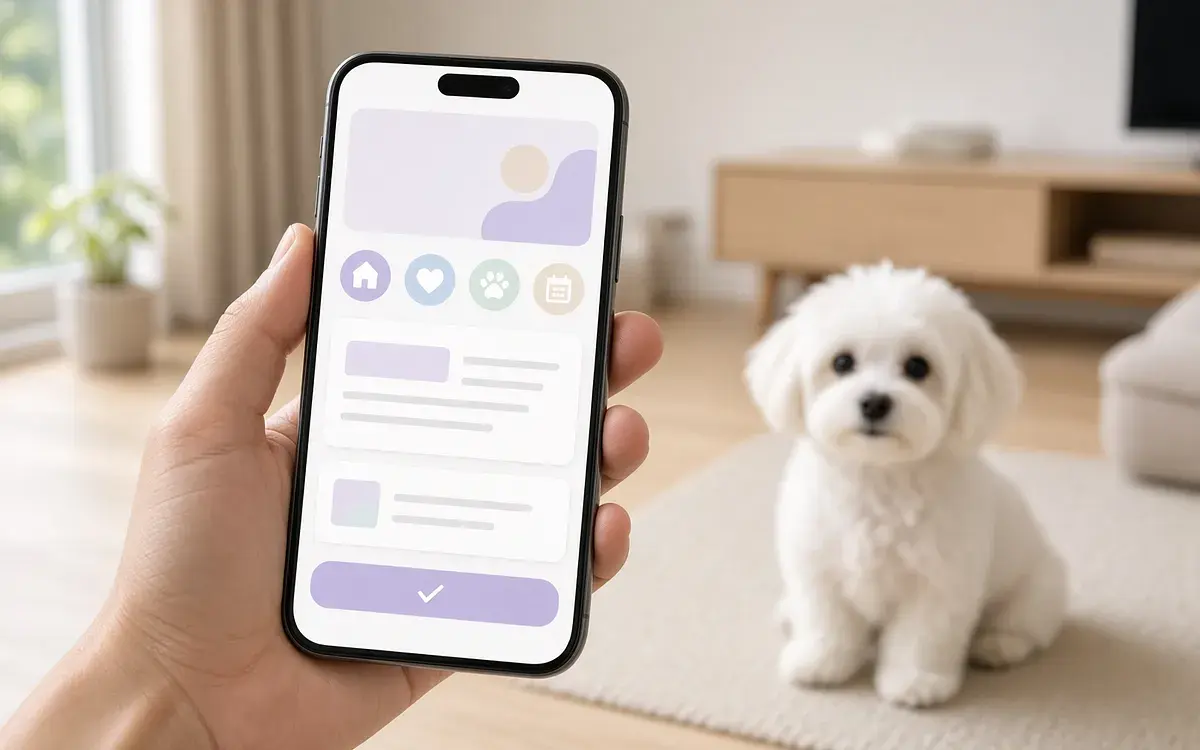
반려동물 펫시터 예약·돌봄 일지 앱
믿을 만한 동네 펫시터를 예약하고, 돌봄 중 사진·일지를 실시간으로 받아본다.
ViewAI 기획을 써 본 분들의 리뷰
-
전*호
- Idea Interview
- Planning document
- Menu structure (IA)
- Screen Design
강의를 들으면서 처음 해봤는데 재밌기도 하고 , 이해가 힘든 부분도 있고, 함 익숙할때 까지 해서 직접 홈체이지 만들어봐야겠어요
-
임*영
- Idea Interview
- Planning document
- Menu structure (IA)
- Screen Design
클래스101 강의듣고 따라하기를 통해 플랜디 AI기획 서비스를 이용하게 되었는데 기존의 수많은 두루뭉실한 앱 개발 방법이 아니라 진짜 비전문가도 알 수 있게 아주 명확하고 명쾌하면서 쉽게 앱을 만들 수 있다는 자신감과 희망을 가지게 됩니다. 프롬프트나 기획서 작성이 너무 어렵게 느껴졌는데 자동작성 기능이 특히 맘에 들었는데 자동 작성되어진 내용을 수정하는건 쉽게 느껴졌거든요! 지금은 1개의 앱만 기획해본거라 다른 앱을 제작할 때는 어떤 결과가 나올지 궁금해집니다.
How pricing works
See full pricing-
Idea Interview is free
Members get 3 free, and guests get 1.
-
1 Planning Pass, ₩9,900
Finish one plan with an IA and up to 20 screens, and download every file. Need more screens? Use another pass to add 20.
-
A trial project when you sign up
Sign up and you can go from the plan through IA and 5 screens. Free and trial work is view-only.
Idea Interview questions
-
What is the Idea Interview?
It turns an app or web idea into a planning document as you answer questions. Plandi locks the idea into an IA and screen design, then makes a sample you can click through. The Idea Interview is the first step. -
Is it free?
Yes. The Idea Interview is free for 3 if you're a member, and 1 if you're a guest. Continuing an interview you already started doesn't count. Moving an interview into IA uses 1 Planning Pass (₩9,900), and that one pass covers an IA and up to 20 screens. Sign up and you get 1 trial Planning Pass (5 screens) free. -
Do I need to log in?
No. You can start right away without logging in. An interview you start as a guest stays in the "My work" tab in the same browser for 14 days, and it moves to your account when you log in or sign up. You can download the document after you log in or sign up. -
What do I get?
Your answers become an idea memo, a lean canvas, positioning, a service name, the main target user, and a PRD tab, all in one project. -
How many questions are there, and can I stop in the middle?
There are 5 to 8 questions. Your answers are saved, so you can leave and continue from the "My work" tab. -
Is my idea public?
No. A new interview is private by default, so other people can't see it. The examples tab only shows sample plans made by Plandi. -
What's the next step?
Compare interviews for other kinds of services in the public samples, then continue with Build IA and Screen Design, or send an inquiry if you want someone to build it.

Start now
Answer the questions and get a planning document.
Once your idea is a planning document, IA, screen design, and inquiries all go faster.