

Skip to content

Expert Request

One person takes it from planning through development

Stuck just before launch after building with AI on your own? A planner with 25 years of experience takes planning and development with AI, and opens a site you can actually run.

Building is now handled by Lilto

Our done-for-you build service (planning, development and launch) has moved to Lilto, run by the same founder. Same person, same process.

See Lilto

Watch how it is actually made
in a short video

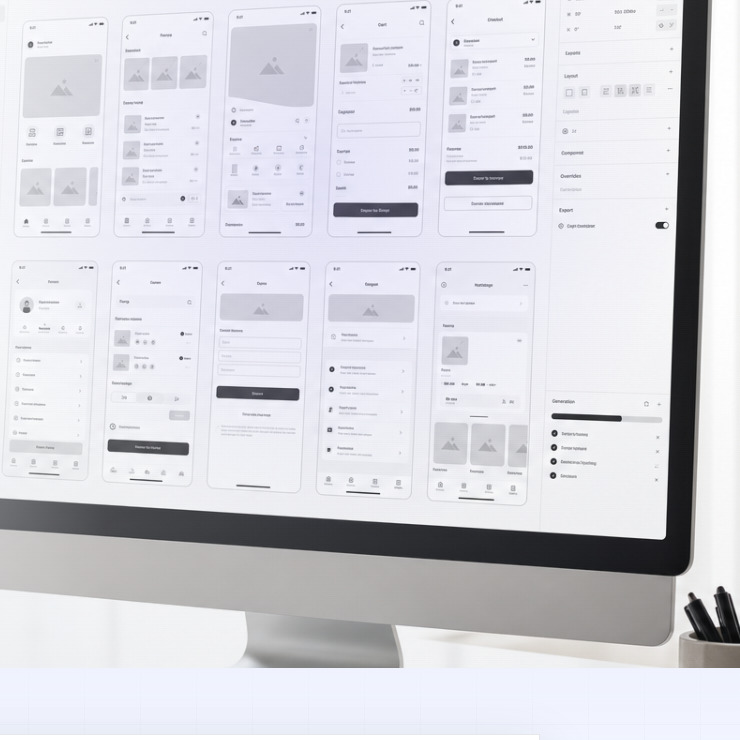
See an idea move through a planning document, a menu structure, and screen design, then into a Dev Planning Kit for AI coding tools such as Claude Code, Codex, and Gemini — from a design draft through to launch.

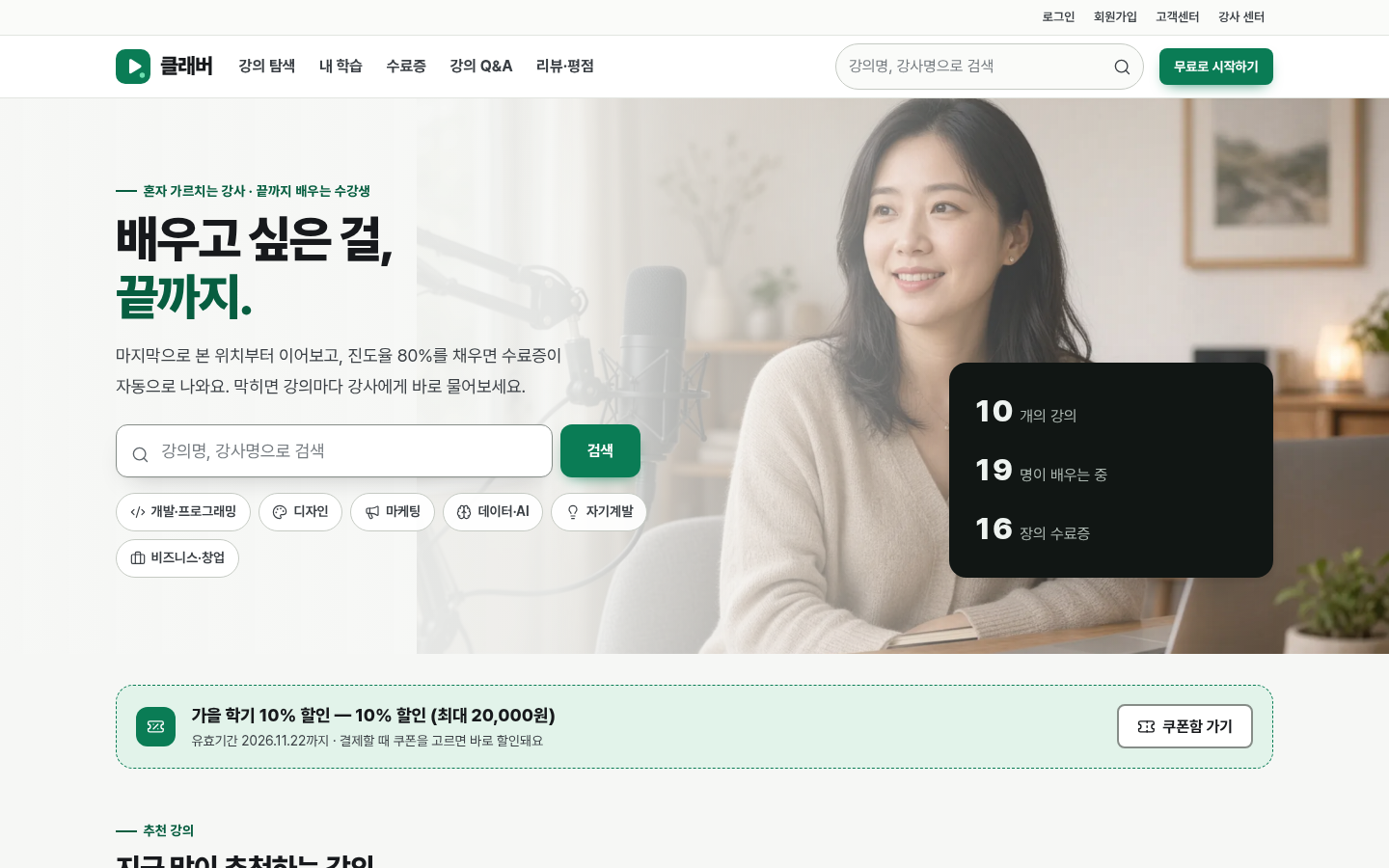
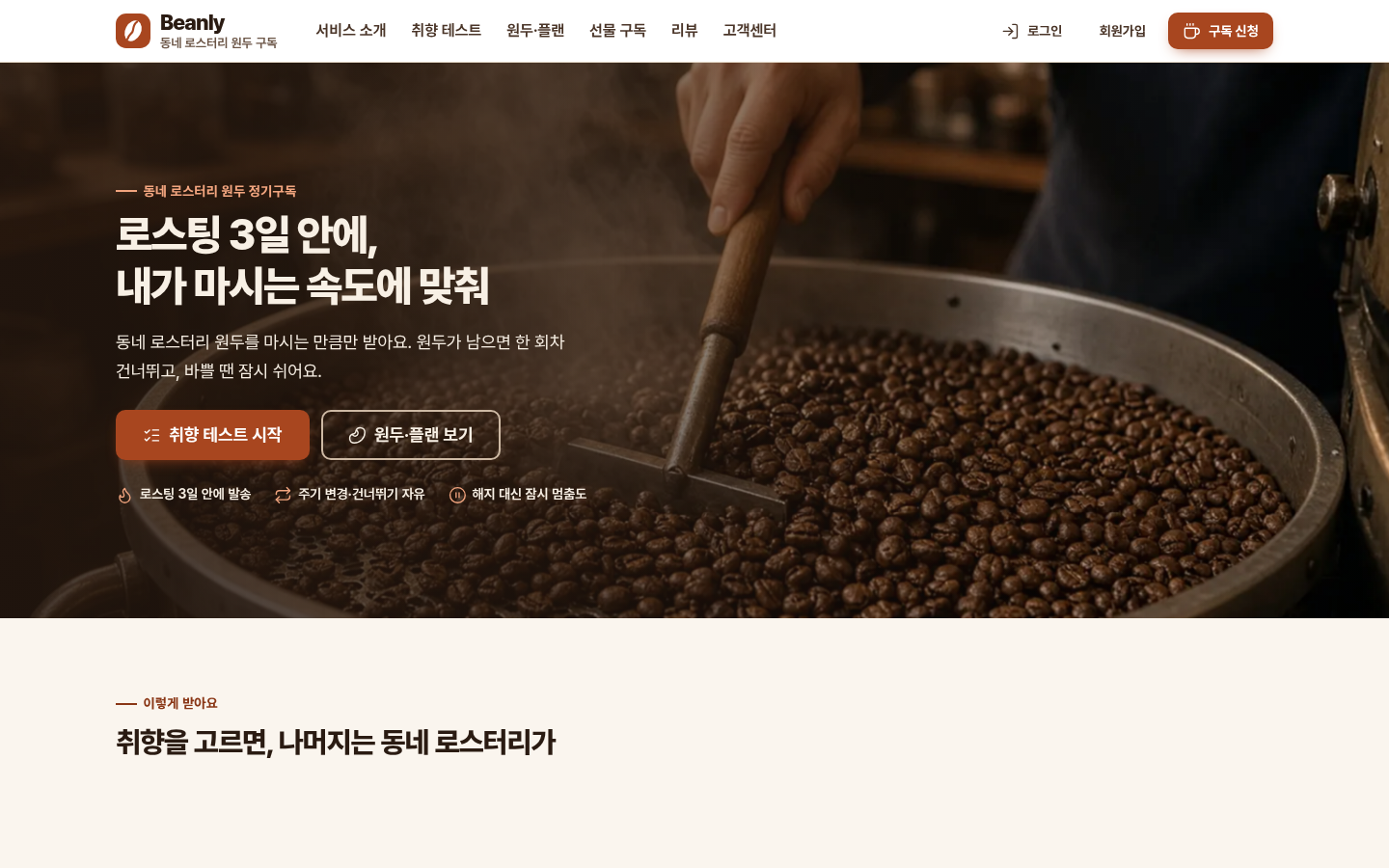
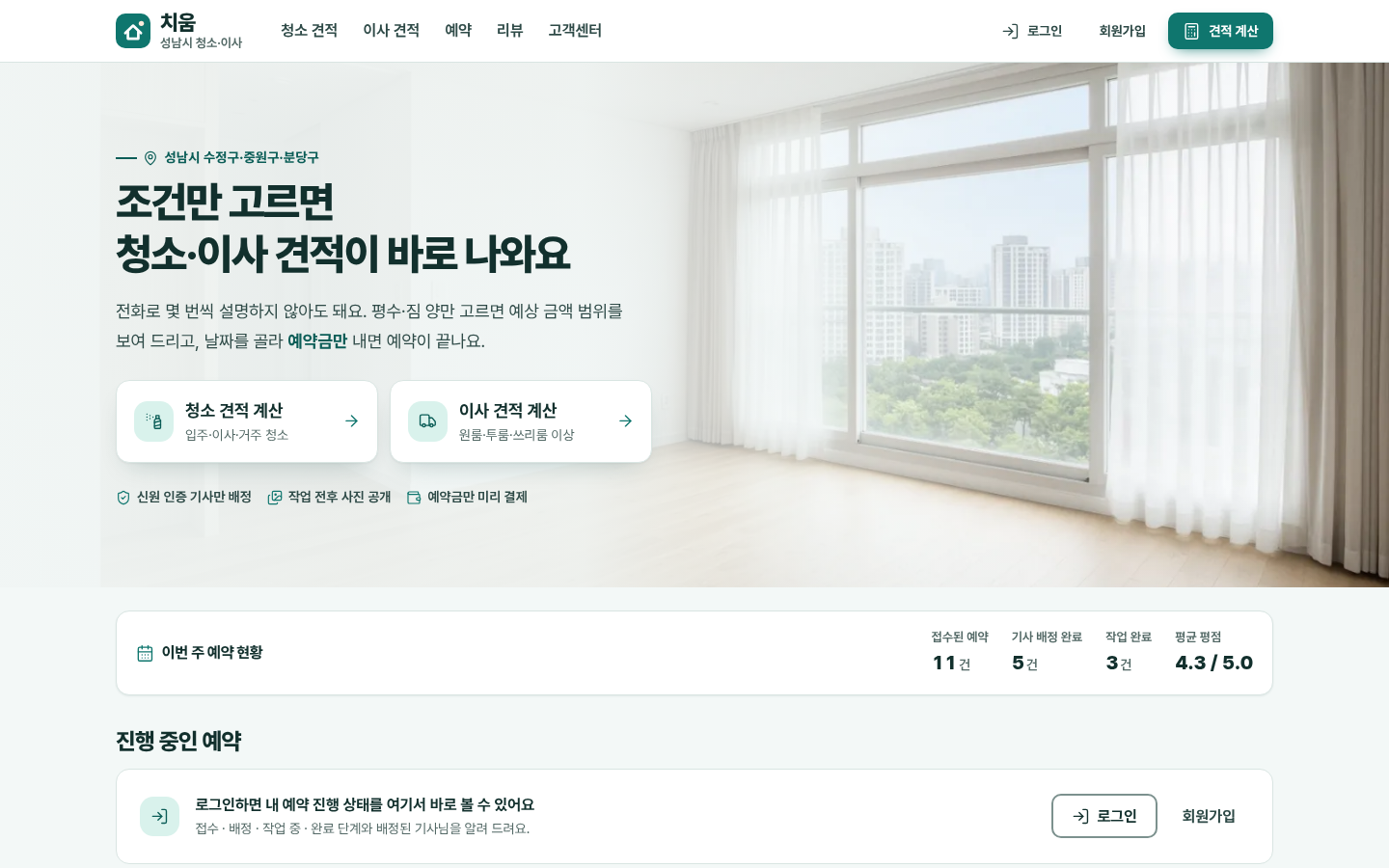
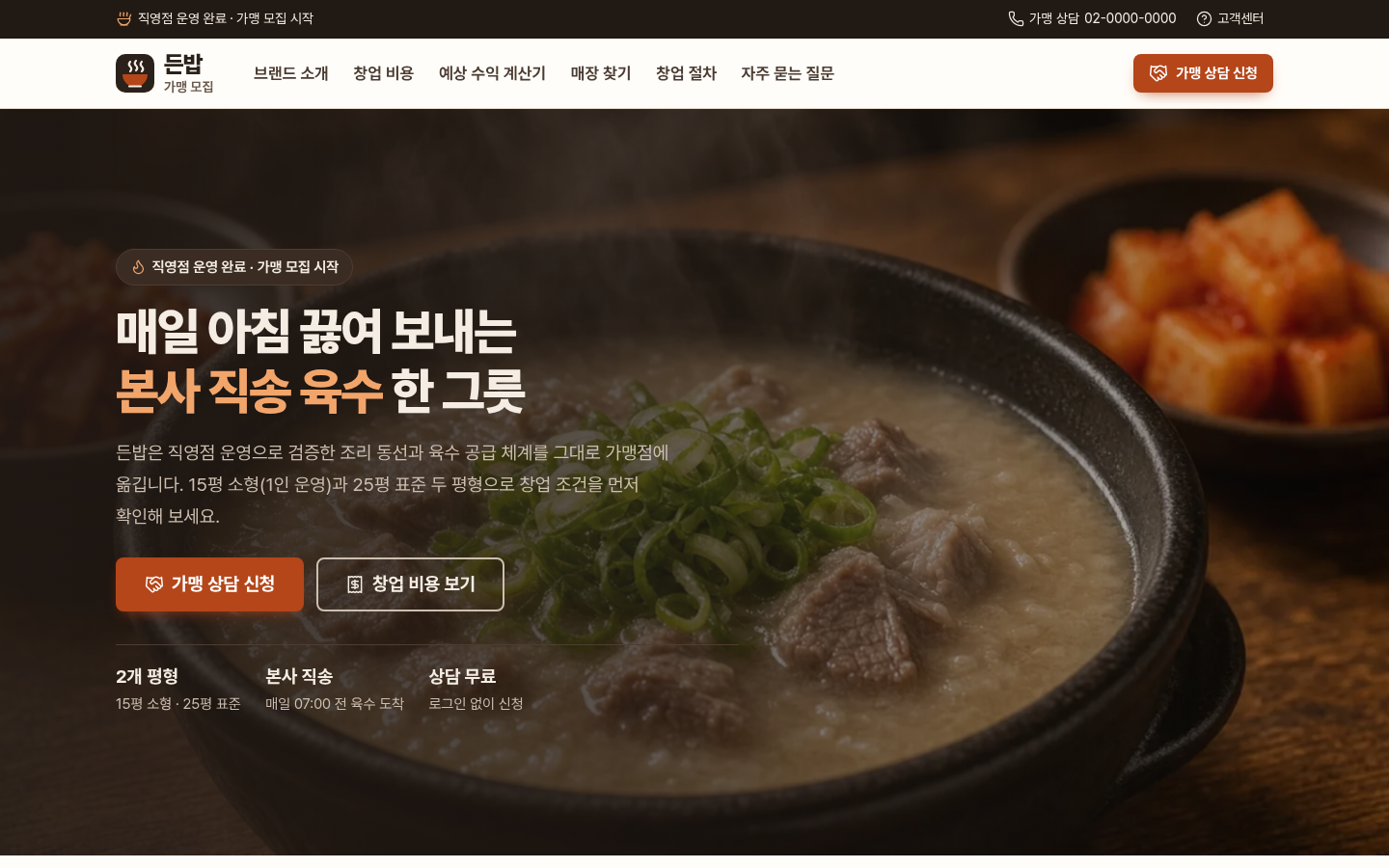
Finished sites built with AI

These sites were built with AI from the planned screens. Open one and it actually runs.

  • 50+finished sites
  • User + adminscreens together
  • Desktop and mobileresponsive

Browse Site Starter Sources

AI-built sites
leave the unseen parts empty

AI builds only what you ask for. Anything off the screen stays empty unless you request it, and the gaps show up after more people start using the site.

  • Keep personal data private

    Your information stays yours. Admins see only what they need.

  • One charge, even if the button is tapped twice

    Repeated taps still create only one payment and one order.

  • Member, coupon, and refund rules

    We set the rules that show up in real operations, such as leaving the service, stacking coupons, and refunds.

  • An admin screen you can run

    We build a screen where you can find and handle members, orders, and messages.

  • Errors and empty screens

    We decide what people see when a search is empty or something goes wrong.

  • Buttons and helper text

    If the features are all there but checkout still fails, we start with the screen and the words on it.

A planner with 25 years of experience knows what to ask the AI to do.

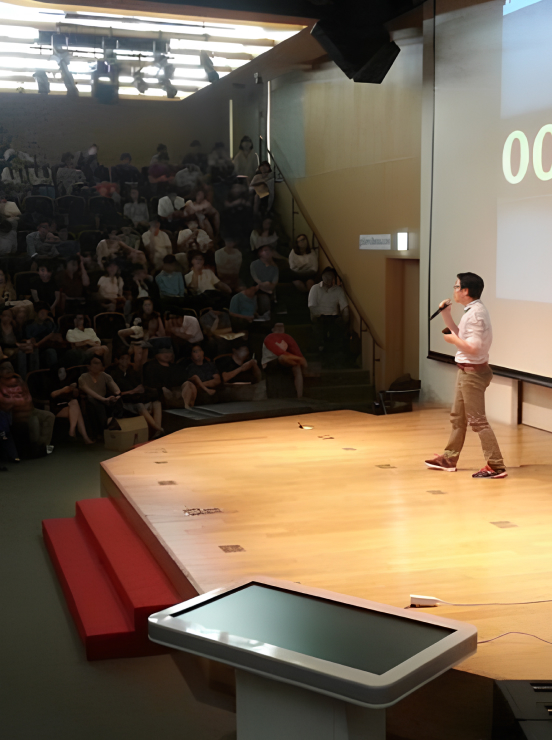
Kim Tae-beom, CEO and service planner with 25 years of experience
Kim Tae-beom CEO · Planner, 25 years · Builds with AI

A one-person studio for planning and development

One person plans
and builds with AI

After 25 years of planning services, the planner now personally plans and builds with AI. Nothing passes through a chain of people, so it stays fast and the site matches what you first described.

The same person stays with you from your first inquiry through launch.

planning experience
25 years
projects
300+
client collaborations
100+

Who this is for

  • Founders with an idea and no screens yet

    We turn a fuzzy idea into a clickable sample site and a clear feature list.

  • Teams fixing a service that is already live
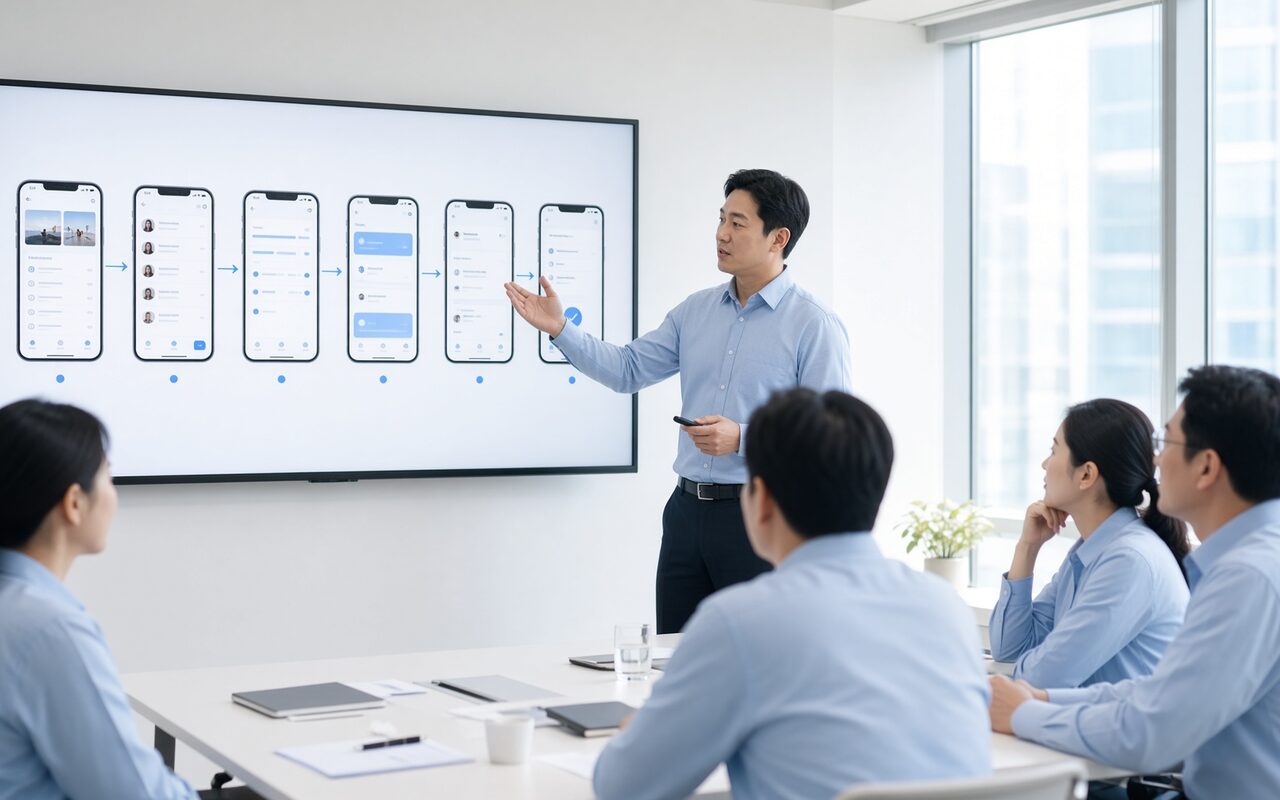
    We look at the screen that is stuck, fix it in a sample, and let you try it.

  • Companies building a booking, matching, or AI platform

    This is not a brochure site. We shape screens for a platform that can compete.

  • Teams that have to build without a planner

    We first make screens and feature notes a developer can follow. The person in charge does not change halfway.

How far do you go alone,
and when do you hand it off?

From checking the idea to a service you can run, the right next step changes.

  1. 1
    Check the idea

    The Idea Interview in AI Planning clarifies what you will build.

    Interview is free Start AI Planning
  2. 2
    Design the screens

    Build the menu structure (IA) and screen design with AI.

    1 Planning Pass, ₩9,900 (20 screens) See Planning Passes
  3. 3
    Build it yourself

    Take a Dev Planning Kit or a Site Starter Source and build it yourself in an AI coding tool.

    Dev Planning Kit and Site Starter Source See planning kits See site sources
  4. 4
    A service you can run

    A real service with members, payments, an admin, and security is something to hand to an expert.

    Quote based on scope You are here

Hand off what matches where you are

Pick the option that matches how far you have come. Screen design, a planning kit, and a Site Starter Source attach to the request.

When you only have an idea

Hand off from the start

Hand off everything at once, from planning (interview, IA, and screen design) through building the site and launching it.

  • Idea Interview and service planning document
  • Menu structure (IA) and clickable screen design
  • Development with AI (PHP, Rails, and more)
  • Sign-up, payments, and admin screens
  • Domain, deployment, and a check after launch

We quote based on scope

Request a quote
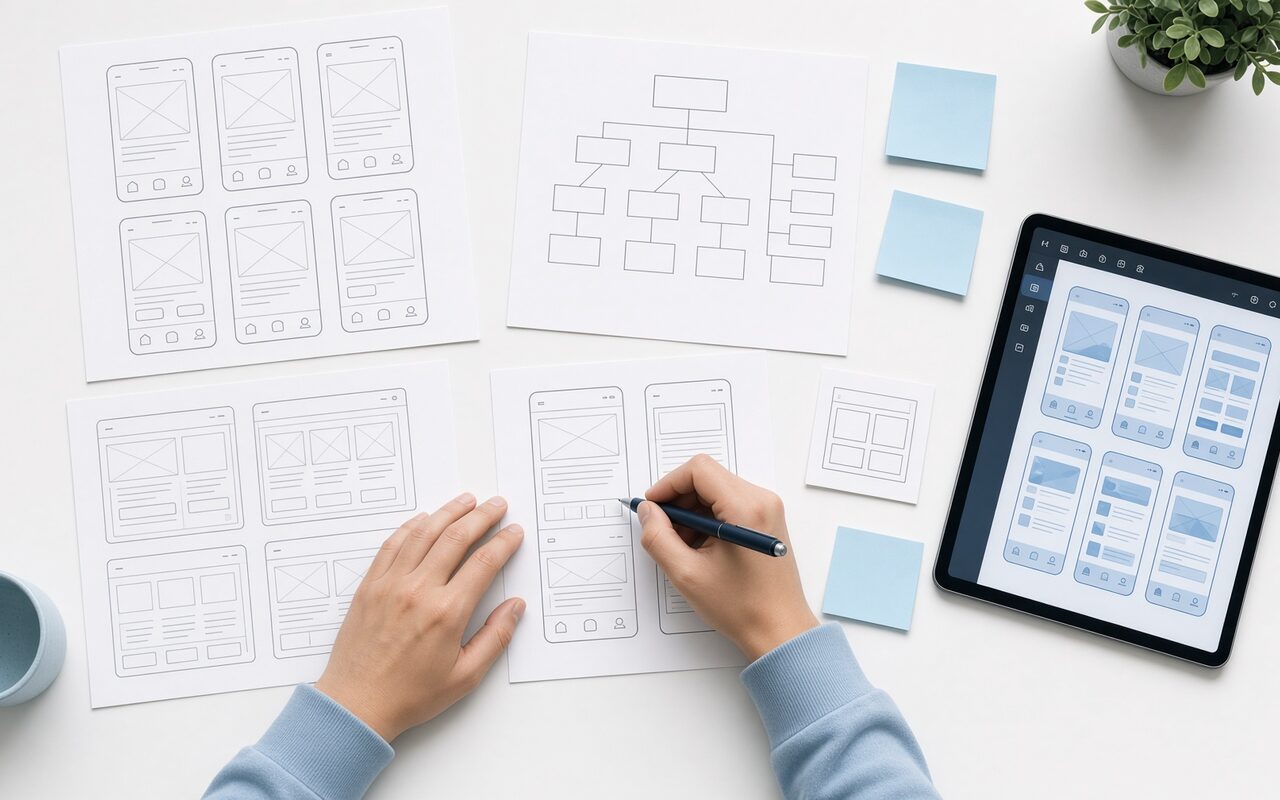

When screen design is already done in Plandi

Hand off development only

Pass over the screen design or Dev Planning Kit you already made, and hand off only development and launch. We do not replan, so it is faster and the quote is smaller.

  • Attach your screen design or planning kit
  • Build with AI from the kit as it is
  • Sign-up, payments, and admin screens
  • Domain connection and deployment

We quote based on scope

Request a quote

When you bought a Site Starter Source

Finish a Site Starter Source

The screens, admin, and database are already there. We finish the connections that need your account keys, and we deploy it.

  • Kakao, Naver, and Google sign-in
  • Toss Payments live checkout
  • Kakao Alimtalk and email
  • Swap in your copy and images
  • Domain, HTTPS, and deployment

We quote based on scope

Request a quote
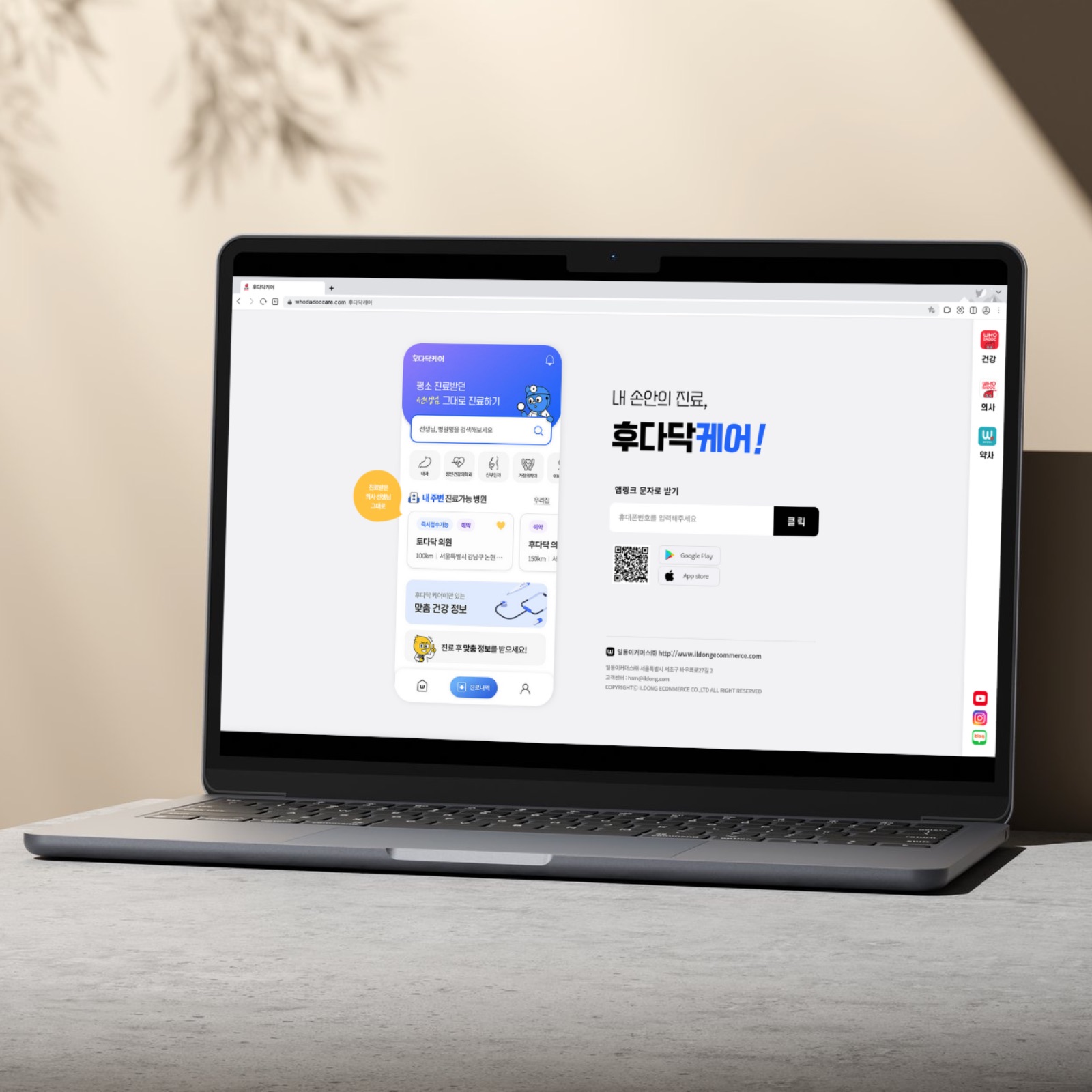
When you want to try it together, live

1:1 Google Meet session

We share a screen to refine the plan, or we build together and clear whatever gets stuck.

  • Planning session, 2 hours — refine the plan and screen design
  • Build-together session, 4 hours — unblock the work as you go
  • Attach your screen design when you apply
  • You get a written recap after the session

Planning ₩190,000 · Build together ₩2,900,000

See the session

If you already bought a kit or a Site Starter Source, hand it off from My purchases and the product attaches to the request.

How it goes

Five steps, from the first message through after launch.

  1. STEP 1
    Send a request

    Tell us the service you want and how much you need done. One line about the idea is enough.

    • Choose scope, budget, and timeline
  2. STEP 2
    Scope and quote

    Within 2 business days we tell you which screens we will make, how long it takes, and the quote.

    • Reply within 2 business days
  3. STEP 3
    Lock the plan

    You click through the screens first, then we agree in words on what to change.

    • Review the screen design
  4. STEP 4
    Build and launch

    We build what we agreed and stay with you until the site is open.

    • Deploy and check
  5. STEP 5
    Hand it over

    After launch you also get the planning document, AI rule files, and an operations guide, so you can edit it yourself with AI.

    • So you can edit it yourself

Services the founder planned and launched

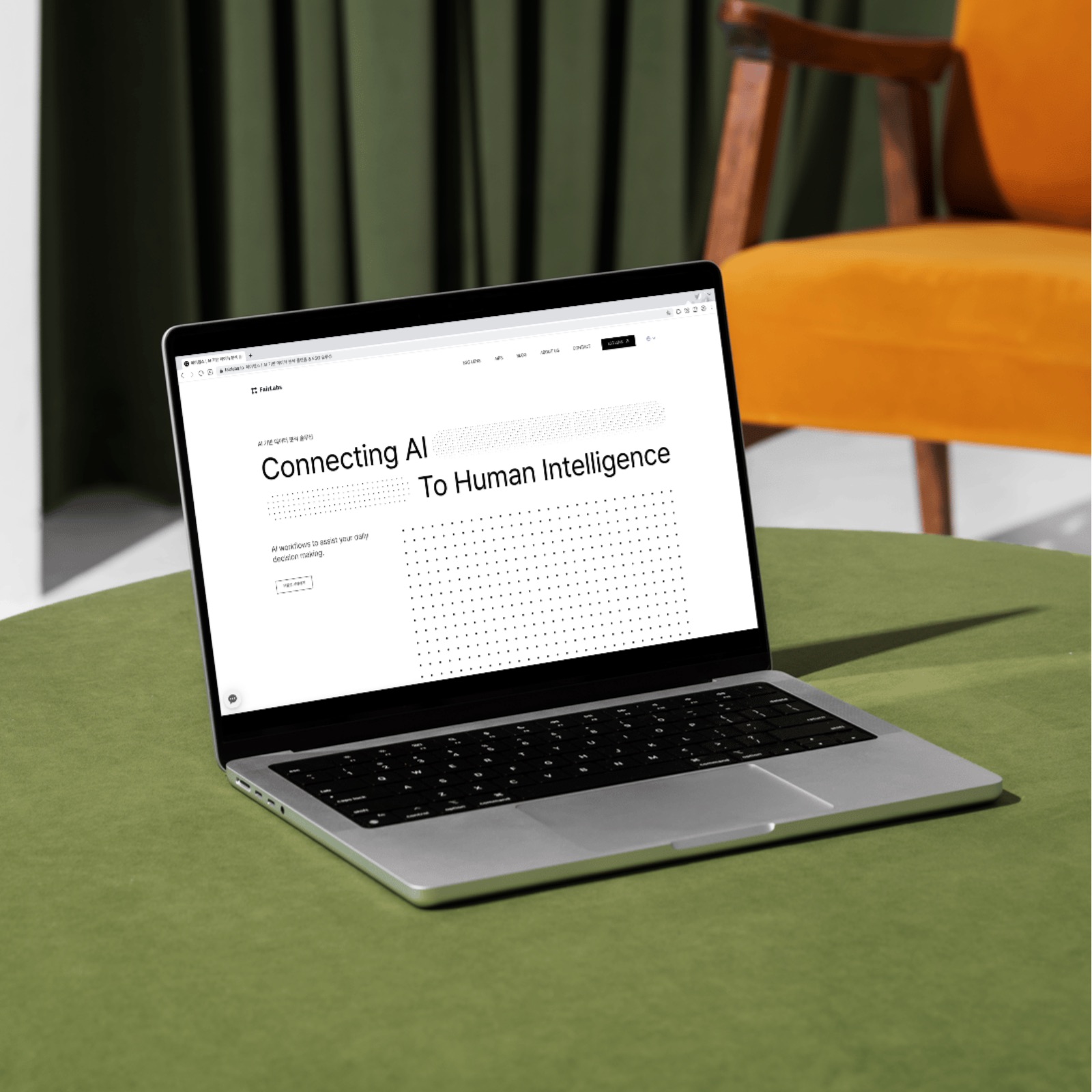
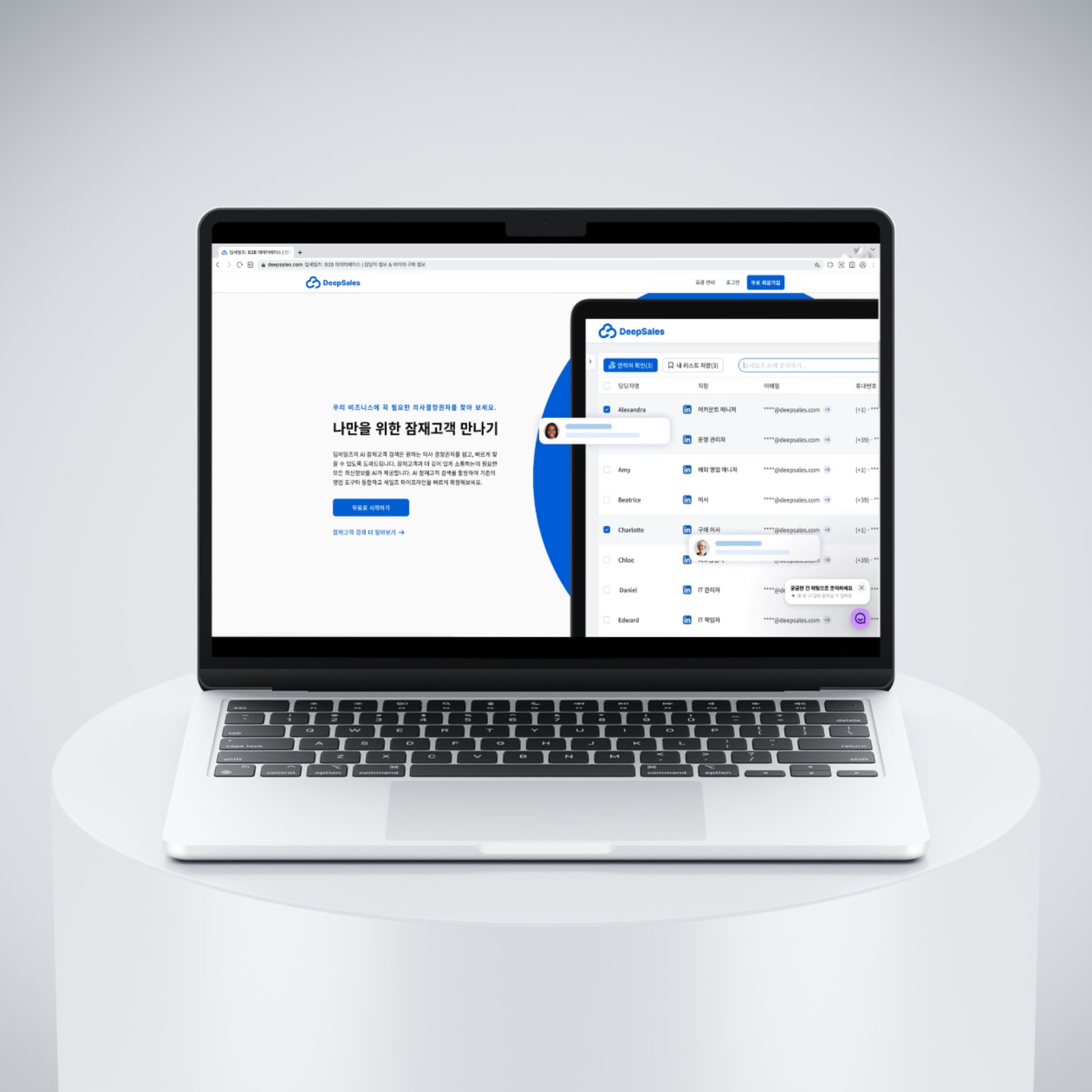
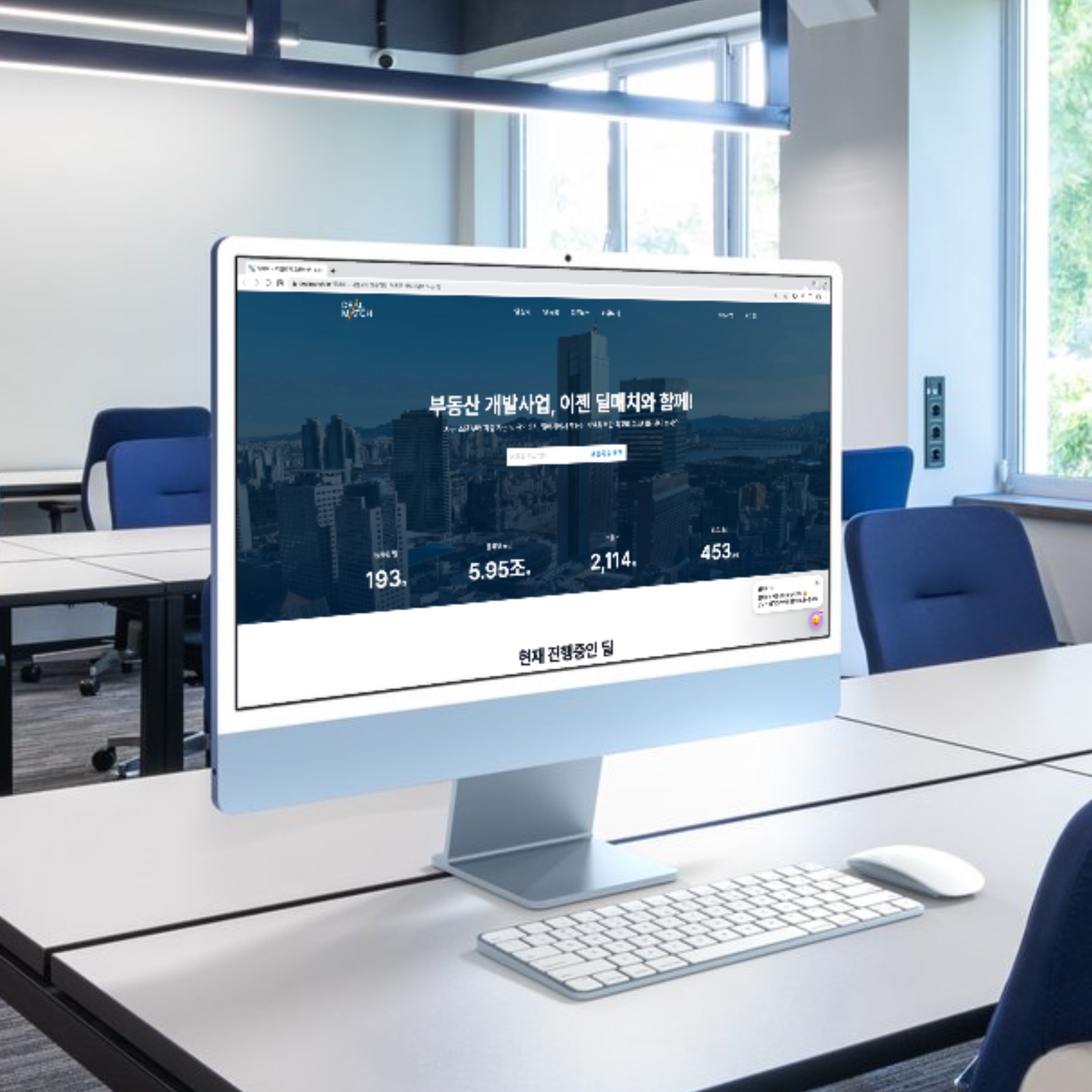
Before Plandi, these services were planned in Figma at Valuelabs and actually launched. The link opens the live site in a new window.

Stories from founders who hired Valuelabs for planning

Reviews from Valuelabs planning clients, before Plandi.

  • 가능한 부분과 불가능한 부분을 명확히 구분해 시간과 돈을 아낄 수 있었습니다. 개발자 입장이 아니라 사용자 입장에서 생각한 기획이었습니다.

    김혁규미켓 대표
  • 앱 기획이 막막했는데, 품질은 물론 정확한 납기를 지켰고 구현될 부분과 되지 않을 부분도 미리 걸러 주었습니다. 기획 문서를 정부지원 사업계획서에 첨부해 R&D 과제도 선정됐습니다.

    김준혁스타헤일로 대표
  • 개발사로서 기획을 외주 맡기는 일이 어려웠는데, 사업 전반을 이해하고 요소별로 필요한 기획까지 정리해 주었습니다.

    한민교(주)엠넥스 본부장
  • 초보 요청도 말이 되는 방향으로 이끌어 주셨습니다. 연이은 추가 작업도 밸류랩스를 통해 기획할 예정입니다.

    원동명큰공장 대표

Frequently asked questions

  • QCan I hand this off if I only have an idea?
    Yes. One line is enough. We ask questions the way an interview would, and we shape the plan with you from the start.
  • QDo you build it yourself too?
    Yes. The same person builds the planned screens with AI. That includes about 50 finished sites with user screens and admin screens, such as franchise, booking, and self-service shop businesses.
  • QHow much will it cost?
    It depends on how many screens you need and which features, such as sign-in, payments, and an admin. Leave a request and we send a quote within 2 business days, with the scope written out.
  • QHow long does it take?
    Planning a platform or app usually takes 4 to 6 weeks. It varies with the number of screens and how complex the service is. If you also hand off development, the timeline comes with the quote.
  • QWhat do I receive?
    A definition of the main user, a menu structure (IA), screen design, and a Dev Planning Kit. During planning you try a clickable sample site first, then refine it.
  • QI already built something in Lovable or v0. Can you continue from it?
    Yes. We take the screens and source as reference and rebuild them into a structure you can operate. Rebuilding is often more stable, and less expensive, than patching what is there.
  • QCan I edit it myself after launch?
    You get the planning document and AI rule files, so you can edit it yourself in an AI coding tool such as Claude Code. For a large change, you can hand it back.
  • QHow do you handle security?
    During planning we list the parts people do not see, such as who can access personal data, password encryption, duplicate payments, and admin permissions. We check them before launch.
  • QWho owns what we make?
    The planning document, the screen design, and the site we build all belong to you. The plan moves into your workspace so you can keep editing it.

Did you stop halfway through building it yourself?

From planning through development, ask now

Contact

You need a Planning Pass to start a new plan

1 Planning Pass = a new plan (IA included) + 20 screens

Sign up and get a trial project

Sign up and you get one trial project: IA and up to 5 screens. A Planning Pass opens 20 screens and file downloads.

Sign up free

See Planning Pass pricing